Android · Tally counter
The counterthat remembers.
Count dhikr, rows, reps or glasses of water with a tap, a swipe or a volume key. Counteasy saves every count with its time, so you always know where you stopped.
Coming soon to Google PlayFollow the star
Free · No account · Works offline
Tap the star. It counts too.
+1Who it is for
Made for what you count.From prayer beads to push-ups.
Dhikr and tasbeeh
Count 33 or 99 by touch. The last three counts buzz differently, so you feel the end coming.
Knitting and crochet
Put the needles down mid-row. The row count is waiting when you pick them up.
Reps and sets
Push-ups, squats and sit-ups side by side, with each set kept apart.
Water and habits
Aim for 6 to 10 glasses a day, or keep coffee to 3 at most.
Tallies at work
Visitors, parcels or laps. Fix a miscount later and the history shows the correction.
+1How it works
Counting in three steps.Name it, set it, tap.
Name a counter
Tasbeeh, Rows or Push-ups. Add a note if you like.
Set a target
Pick the number, and when the count starts fresh: every day, week or month, or never.
Tap anywhere
Or swipe, or press a volume key. Each count is saved as you make it.
+1Count
Count without looking.Your eyes stay on the task.
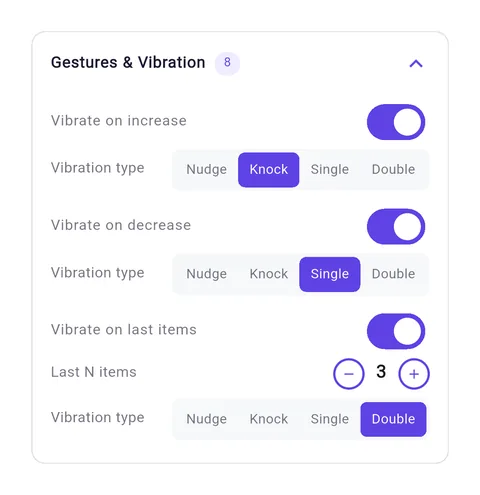
Tap anywhere on the screen, swipe in any direction, or press a volume key. Each count can buzz or play a tone, and the last few before your target buzz differently, so you know where you are without a glance.
- Tap
- Swipe
- Volume keys
- Four buzz styles
- Last-counts buzz
A counter at 21 of 33 counting up as a finger taps, swipes right, swipes down and presses a volume key
+1Make it yours
Make every counter yours.Colours, pictures, motion and sound.
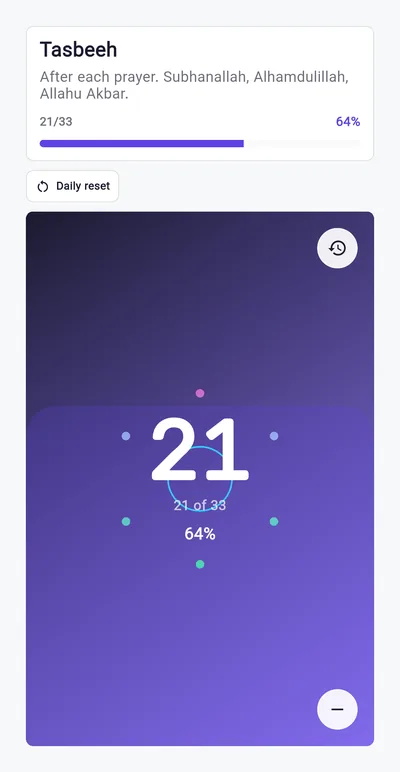
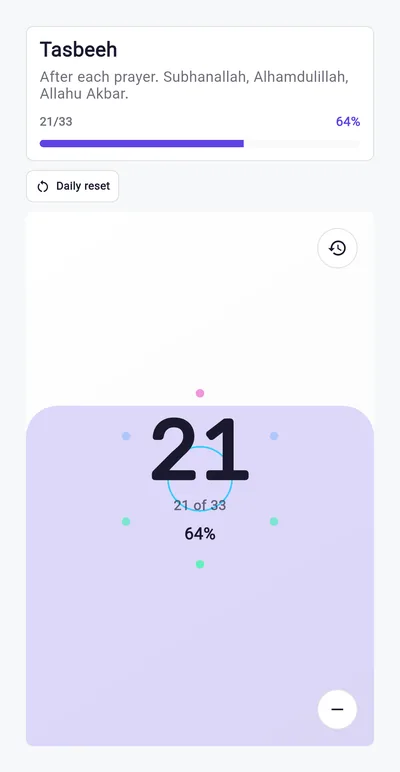
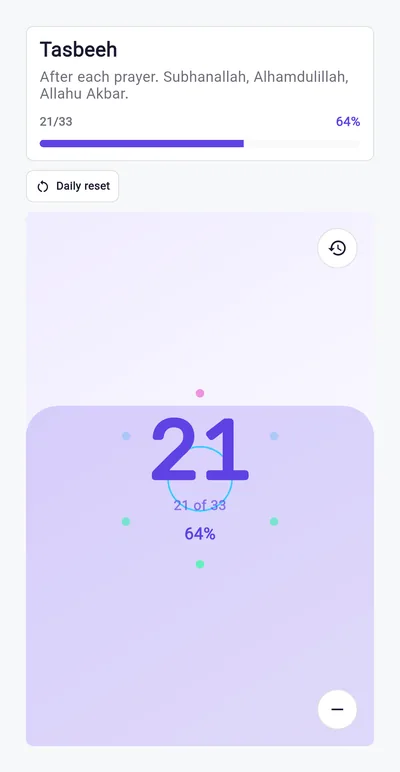
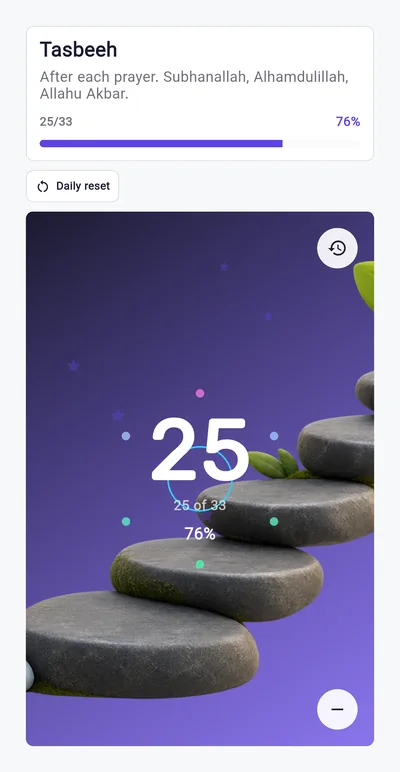
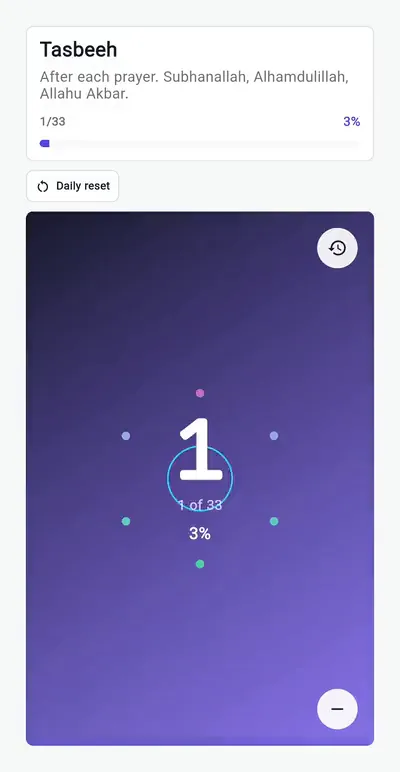
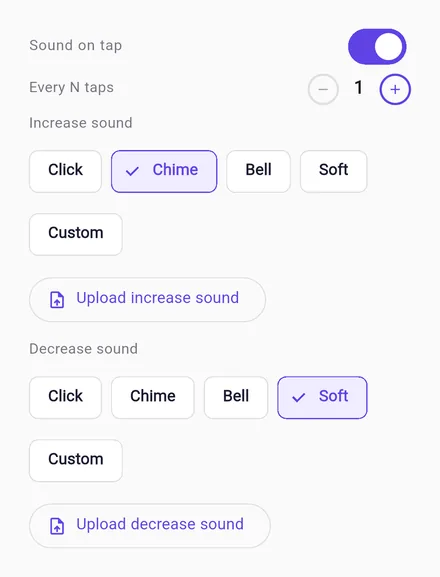
Give each counter its own look: the Midnight, Paper or Meadow colour set, or a photo of your own behind the count. Add a tap effect like rising water, stars or a rainbow, one of 16 small animations on every count, and a click, chime or bell, or a sound file of your own.
- 3 colour sets
- Your own photo
- Text colour
- Tap effects
- 16 animations
- Your own sounds
+1Many counts
Sets, sides and sessions in one counter.Each total kept apart.
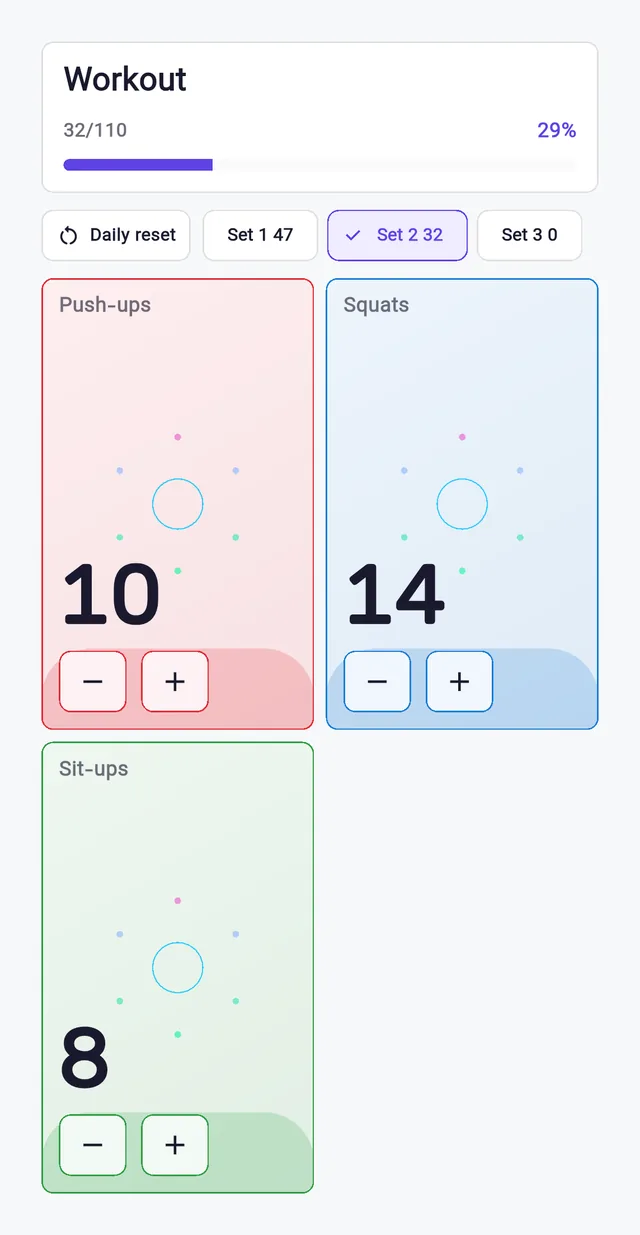
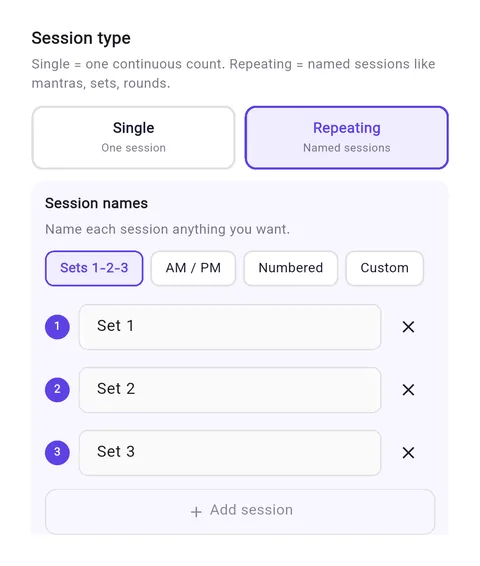
Split a counter into panels, each with its own name and colour, like push-ups, squats and sit-ups. Run named sessions such as Set 1, 2 and 3, or AM and PM, and make each tap count more than one. The count starts fresh every day, week or month, or only when you reset it.
- Panels
- Named sessions
- Step size
- Daily, weekly or monthly reset
+1History
Never lose your place.Every count is kept.
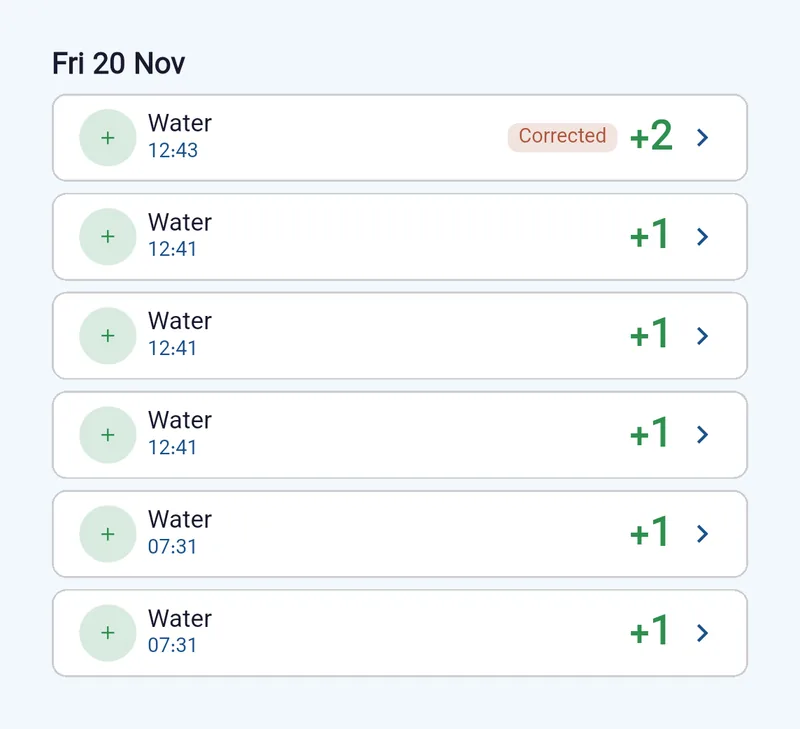
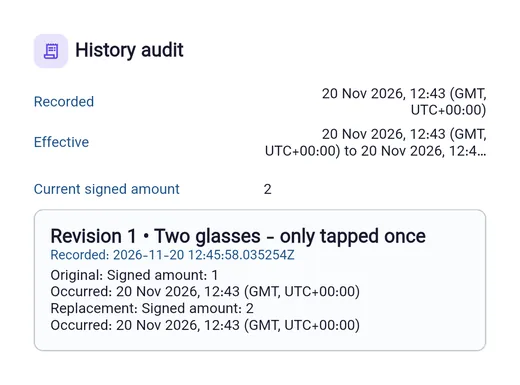
Each count is saved with its time as you make it. Fix a miscount and the correction shows in the history with your reason. A reset starts a fresh count and keeps the old one on record, and an archived counter keeps its history too.
- Timed history
- Corrections with reasons
- Backdated entries
- Archive and undo
+1Goals
Set the goal your way.Then watch the days add up.
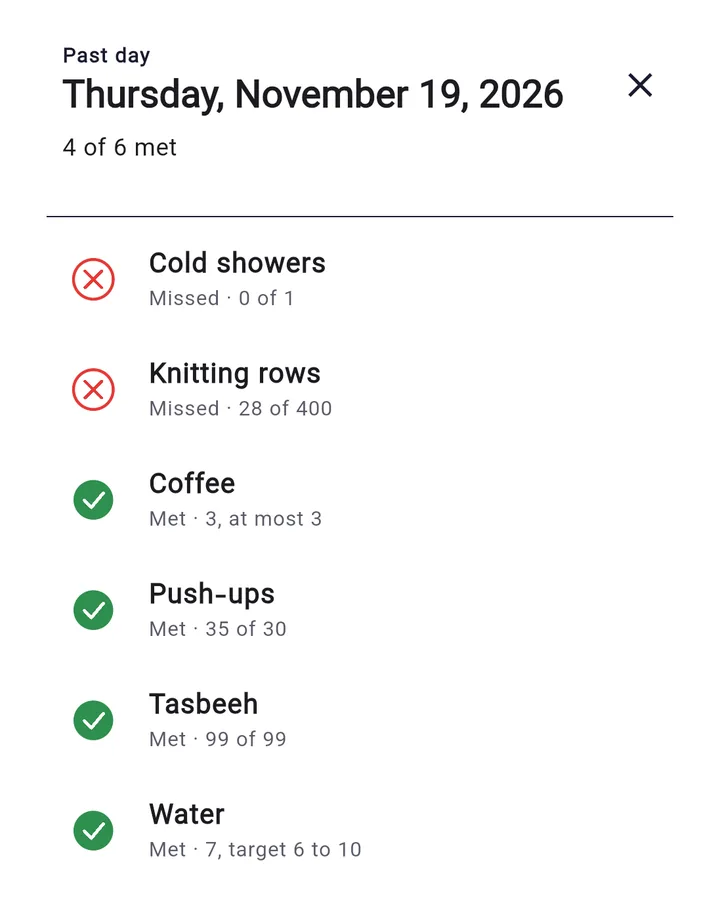
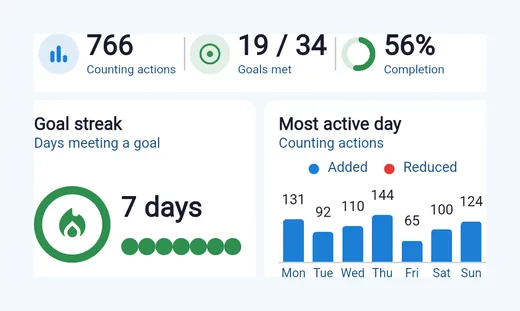
Aim for at least 30 push-ups, 3 coffees at most, or 6 to 10 glasses of water. Choose the days a goal counts, plan a break, and check in on a day with nothing to log. Reports, a goal streak and a calendar of met and missed days show how it is going.
- At least, at most or a range
- Schedules and breaks
- Check-ins
- Reports
- Goal streak
- Calendar
+1Compare
Why not paper or a clicker?Here is what each one keeps.
| Paper tally | Hand clicker | Counteasy | |
|---|---|---|---|
| Count without looking | No | Yes | Yes: tap, swipe or volume key |
| Every count kept with its time | No | No | Yes |
| Fix a miscount | Cross it out | No | Yes, with the reason on record |
| Several tallies at once | Several lines | One per clicker | Panels and sessions |
| Goals, streaks and reports | No | No | Yes |
+1Questions
Before you try it.
- Is Counteasy free?
- Yes. Counteasy is free to download and use, and ads pay for it.
- Will I lose my counts?
- Every count is saved on your phone as you make it, and a reset keeps the old count in your history. Android's own backup includes your counters and history. Uninstalling the app deletes them from the phone.
- Does it work offline?
- Yes. Counting, history, goals and reports all work without a connection. The app goes online only for ads, analytics and crash reports.
- Do I need an account?
- No. There is no sign-up. Open the app and start counting.
- Can I name counters in Arabic or Persian?
- Yes. Names and notes in Arabic or Persian read right to left. The app itself is in English for now.
- When can I get it?
- Counteasy is on its way to Google Play. This page will link to it once it is live.
Counteasy is on its way.This page will link to it when it is live.
We are getting Counteasy ready for Google Play. It will be free, with no account, and it works offline.
Coming soon to Google Play
Coming soon
- Home-screen widget
- Reminders
- Templates
- Backup and export
- Cycles